 Documentation Summary
Stock
Stock Information

The printing options to display the various stock levels must be created manually on a per product basis, as they only apply to certain SOP products.
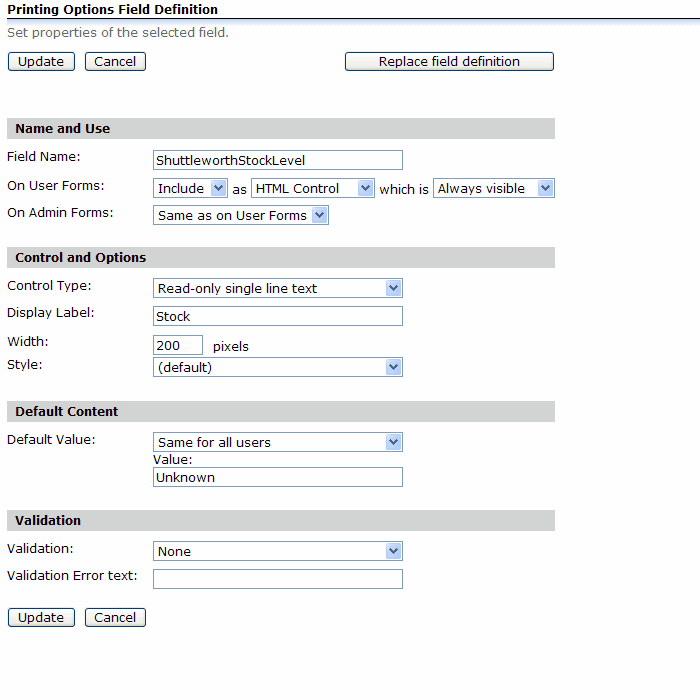
The names of these fields (shown in the Schema Fields section of the configuration) should not be renamed unless they clash with existing fields. The name refers to the field name, the display name of each field can be called something more user friendly.
Stock Behaviour
For products configured as SOPs, the stock behaviour and minimum stock product metadata field control how Storefront behaves when a products is ordered if its stock levels are below the defied threshold.
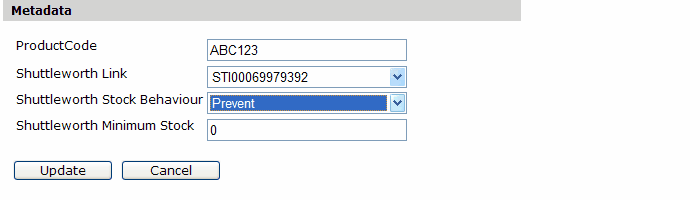
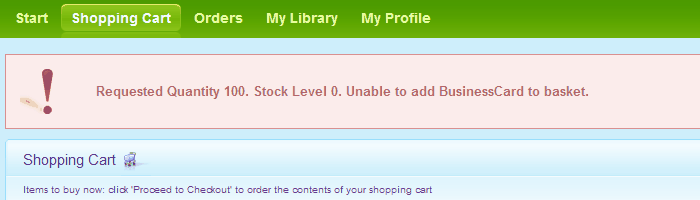
When this product is configured and put in the basket then it will be prevented from doing so if the stock level will fall below zero:
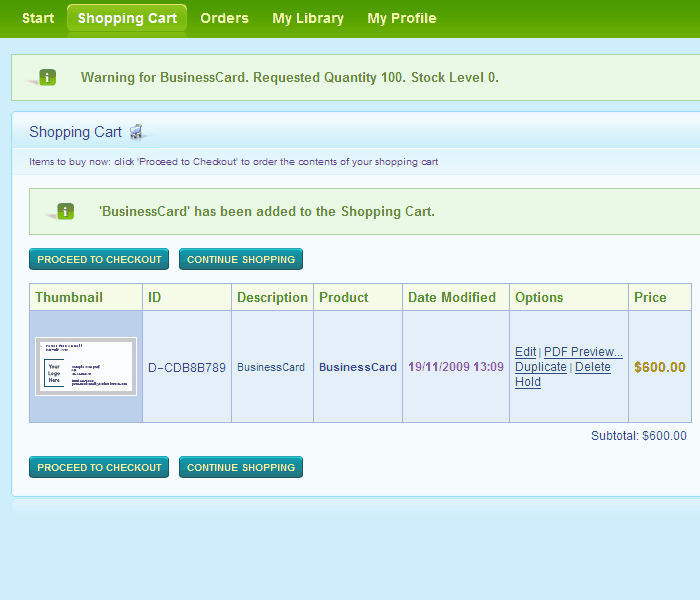
If warning is enabled then the item will go into the shopping basket but a warning will show:
The error and warning text can be changed in the Messages section of the extension configuration.

The numbers in curly braces refer to variables that can be inserted into the messages; {0} for the quantity requested, {1} for the stock available and {2} for the product’s name.