 Documentation Summary
Functionality
Functionality
User site
The theme styles all built-in pageflex UI elements. Functionality outside of this includes:
- Adding in the Beamer product updates sidebar
Template Preview
The default Pageflex preview has been replaced with a custom Vue.js component to handle template display. This was achieved by using a MutationObserver to intercept Pageflex’s image insertion into the container, to render the image within the Vue component instead.
Zoom control
- Template Preview: When zoomed in beyond the default 100%, the preview will adapt to the container’s dimensions. Any part of the image that extends beyond the container can be panned.
- Zoom Slider: A reusable slider component that works in conjunction with the zoom control buttons. It allows zooming in and out between 20% and 200%.
- Fit to Screen: Resets the preview to its original position and scale (100%) as it appeared on page load.
- Minimize: Decreases the zoom level in 10% increments, down to a minimum of 20%.
- Maximize: Increases the zoom level in 10% increments, up to a maximum of 200%.
Design Page
The design page has been updated to keep the template preview fixed on the right side, ensuring it’s always visible. This replaces the previous experience where users had to scroll back up after filling out the form to see updates. The form now takes up the full viewport height, with a scrollable container for longer forms.
Mobile and smaller device usability has also been improved, making the form-filling process simpler and eliminating the need to scroll when the preview updates.
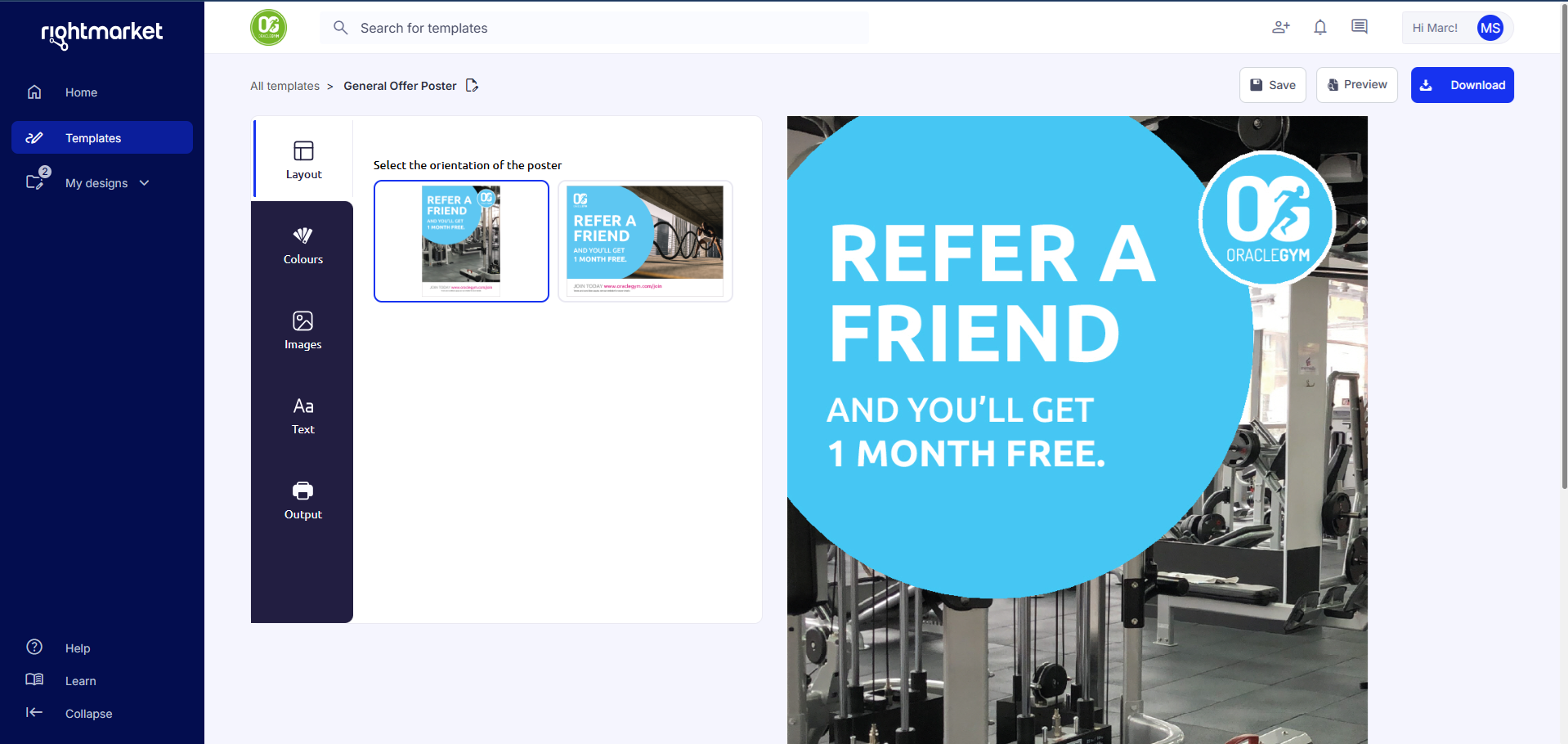
Before 5.9 Design Page update
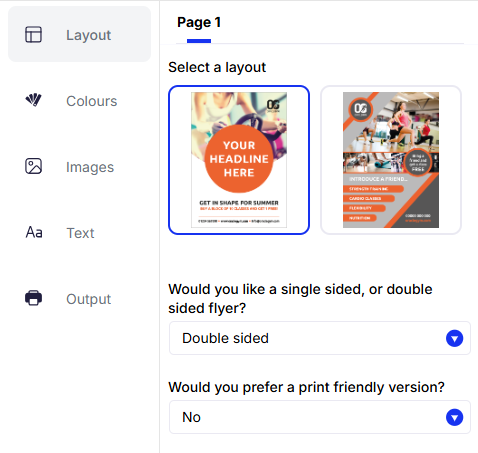
New DesignToolbar full viewport height interface
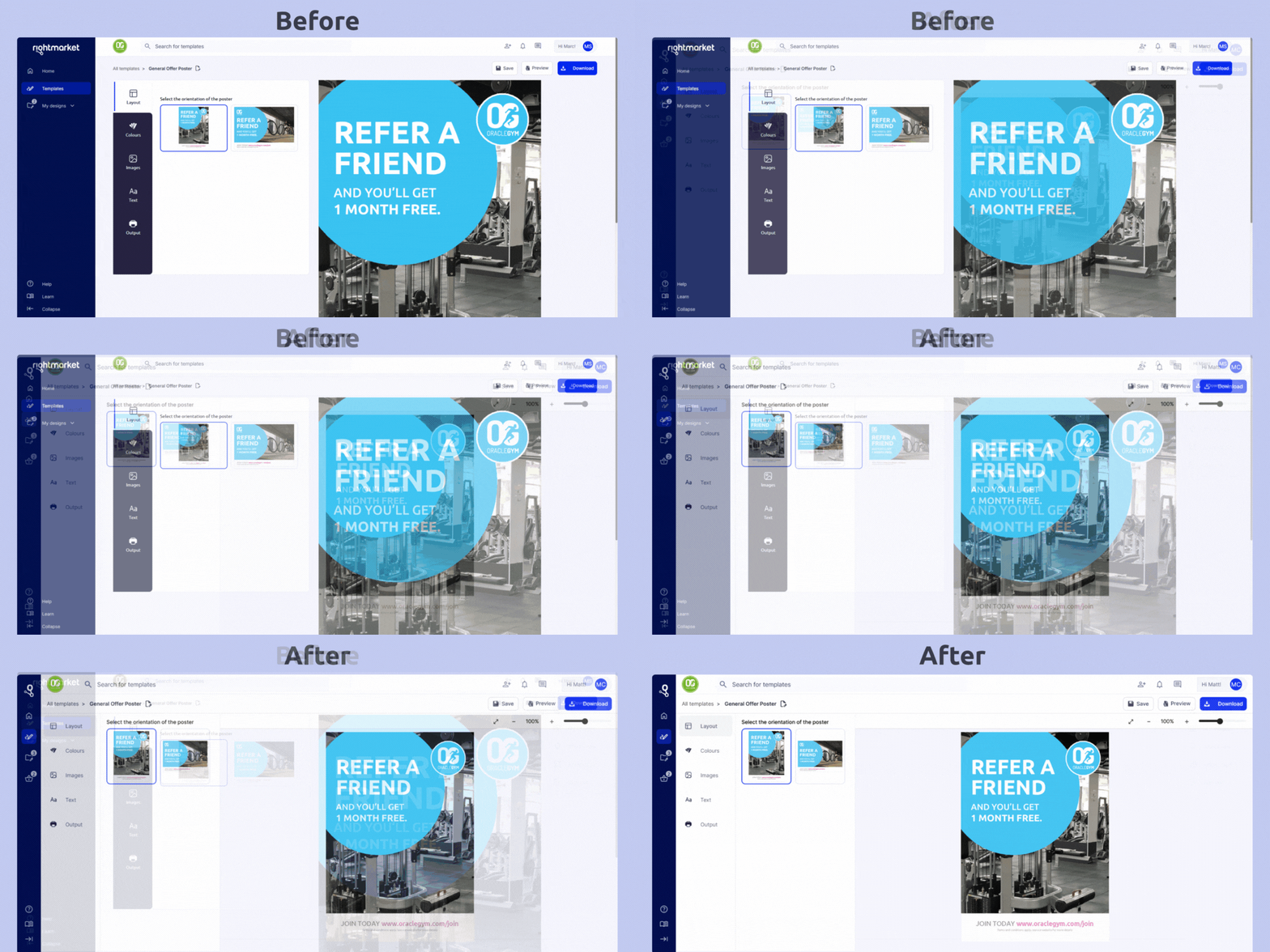
Data collection
Data for clicked elements within the theme is collected and stored in Pendo.
Name a product
Users can update a product’s name directly within the breadcrumb navigation. When the name is focused, pressing Enter or clicking it activates an editable input field. After editing, clicking the tick icon or losing focus from the input will revert the field back to it’s display state, the change is confirmed when the design is saved.

breadcrumb naming input with no focus

breadcrumb naming when editing
Invite collaborator feature
When a user clicks on the invite button in the top navigation and enters an email in the input element, the invite button triggers a Mailto email, opening up default email client, filling in the recipients email address, including the sender’s name and a link to the RightMarket login page.
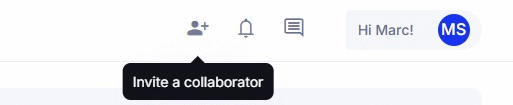
invite team member button
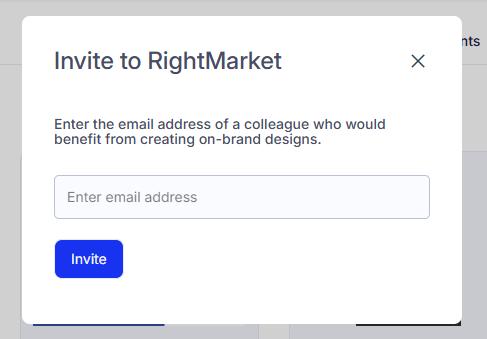
Invite team member modal
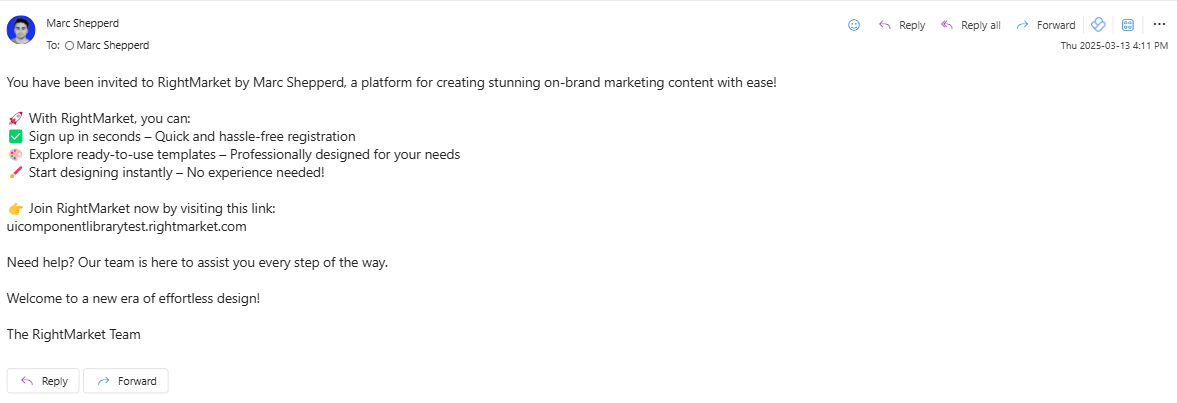
Email scripted to new user
Reorder Guard
Overview
Added a standalone page-configurable JavaScript guard (reorder-guard.js) used on the Drafts and History pages.
Key Responsibilities
- Extracts document IDs directly from the rendered DOM (rather than relying on Angular scope or services).
- Waits until IDs are fully initialised to avoid race conditions.
- Calls the
RightMarketCore DocumentsGetAPI once per page. - Uses the returned
ReorderStatusto determine whether an item can be acted on. - Marks restricted items with a
.prevent-orderclass.
Drafts Page Behaviour
For items where ReorderStatus is not allowed:
Duplicate
- Completely blocked.
- Displays toast:
“This template is now retired and cannot be downloaded.”
Edit
- Intercepted before navigation.
- User is shown a confirmation message:
“This template is retired and cannot be downloaded. Would you like to view this product anyway?”
- Navigation proceeds only if confirmed.
History Page Behaviour
For restricted items:
- Blocked before execution.
- Displays toast:
“This item has been archived and cannot be downloaded.”
Technical Notes
- Document IDs were already present in the markup (e.g.
inProgressItem-6751,orderItem-6751). - IDs are extracted directly from the DOM to avoid dependency on Angular models.
- The script waits until IDs are resolved to prevent race conditions during Angular initialisation.
- User interactions are intercepted before Angular handlers execute, ensuring restricted actions cannot proceed.
Confirmation download step
- The script listens for click and keydown events at document level using capture phase. This allows the modal to intercept the download action before AngularJS handlers run, preventing the original action from executing immediately.
- When the user confirms, the originally clicked element is stored and triggered programmatically.
- The modal uses the application’s existing preview mechanisms rather than generating previews independently. This includes:
- triggering the existing full preview button
- reading preview URLs from the controller
- calling sfjs.preview.getPreview() for kit items.
-The preview area supports:
- single-page products
- multi-page products with thumbnail navigation
-
kit products with selectable items
- The confirm button uses visual disabled styling rather than the native disabled attribute so that validation feedback and focus behaviour can still be handled by the script.