 Documentation Summary
Setting Up
Enabling the AI Support Assistant requires a manual insert of an n8n snippet into the admin site options page.
NOTE
The n8n snipper is now integrated into the Pendo extension
To enable the AI Support Assistant:
<script src="https://assets.rightmarket.com/product/n8n-support-bot/script.js"></script>
Dependencies
The AI Support Assistant relies on:
- An n8n workflow (for automation workflows).
- Open AI account to connect to a model
- Pendo to display the n8n chat interface.
Further details can be found at: management credentials source-code
n8n:
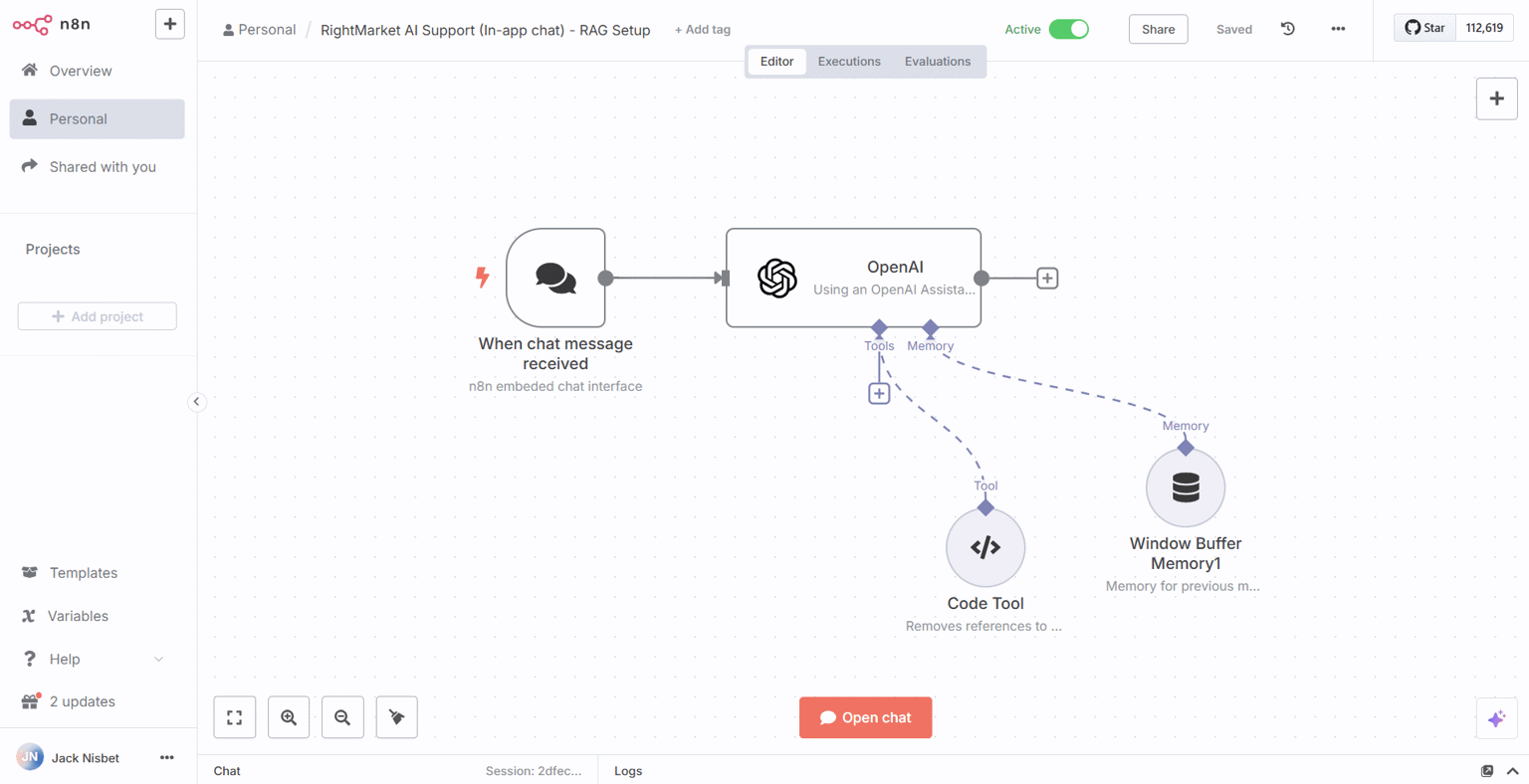
https://rightmarket-platform.app.n8n.cloud/workflow/qLuj3kBNaKdsAbSw
Pendo:
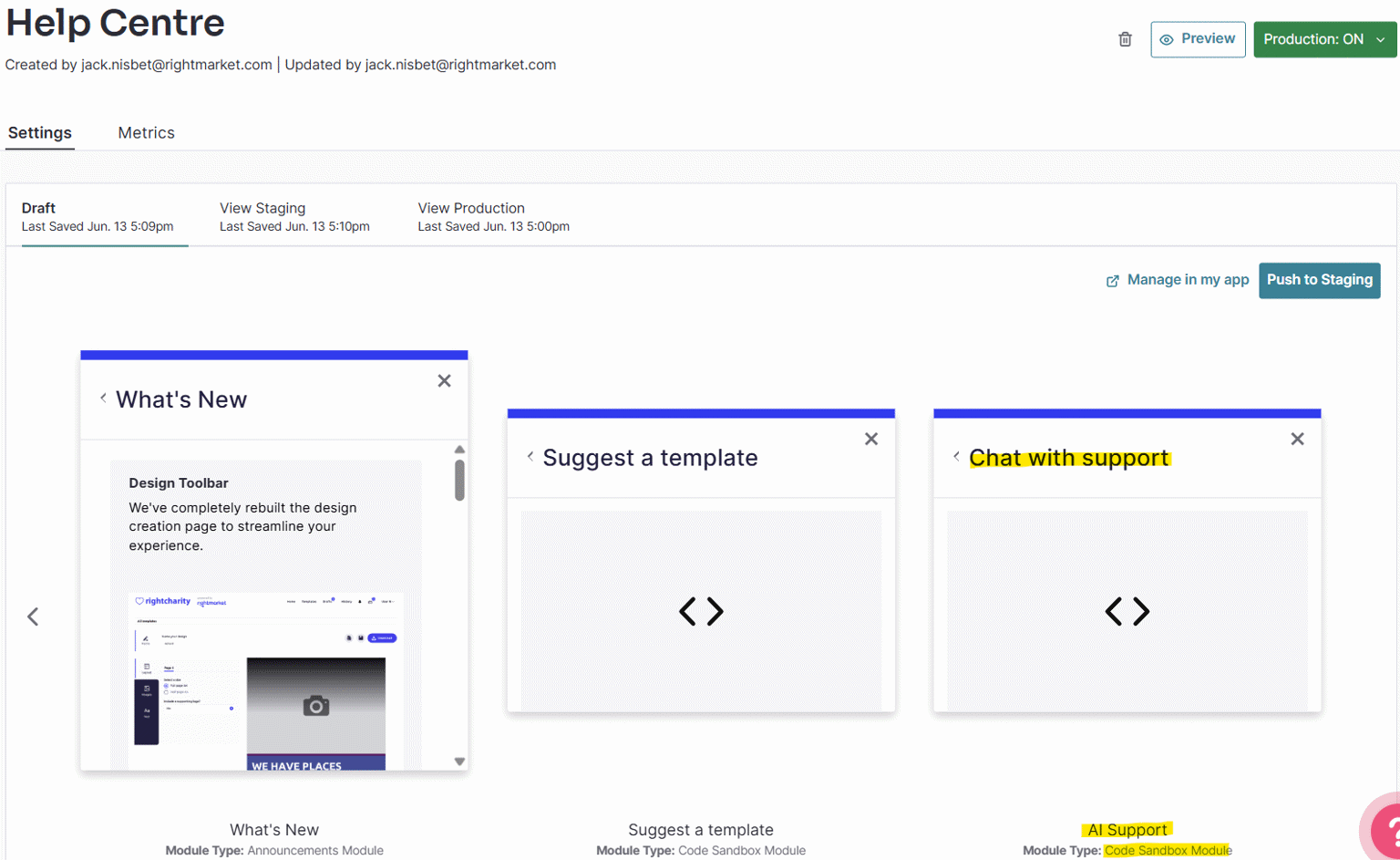
https://app.pendo.io/s/5483970866053120/resource-center/5yjhulKOOz2loUFwKLaE-wBFilU/draft