 Documentation Summary
Setting Up
Installation
The Extension should be installed from the Manage web-site. On each site, it needs to be manually enabled. Once installed, the Manage web-site can be used to update the existing installation. In this case, if it was enabled before, then there’s no need for enabling it again.
Files
The Extension consists of one single file which must be copied to this path:
WebPages/bin/Extensions/ROIQueueManager.dll
Extension Configuration
On the admin-site, select the Extensions options in the left-hand menu and find the ROI Queue Manager. Click to see the configuration page:
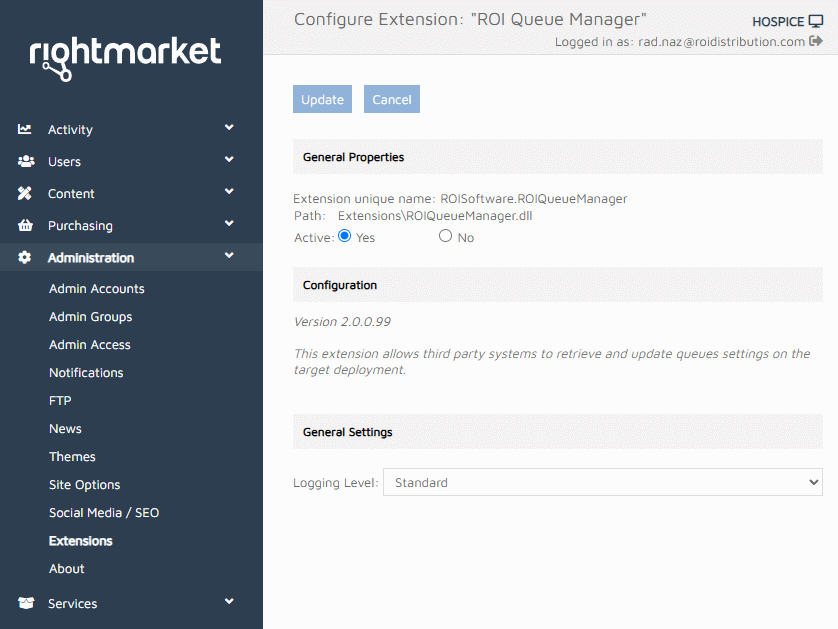
The Extension configuration page
The Logging Level is set to Standard as a default. If set to Debug, extensive logging takes place. It should only be used in case of a failure and subsequent search for its cause.