 Documentation Summary
Functionality
Manage Web-Site
To visit the Queue Manager Settings page, please select Deployments > Wizard:
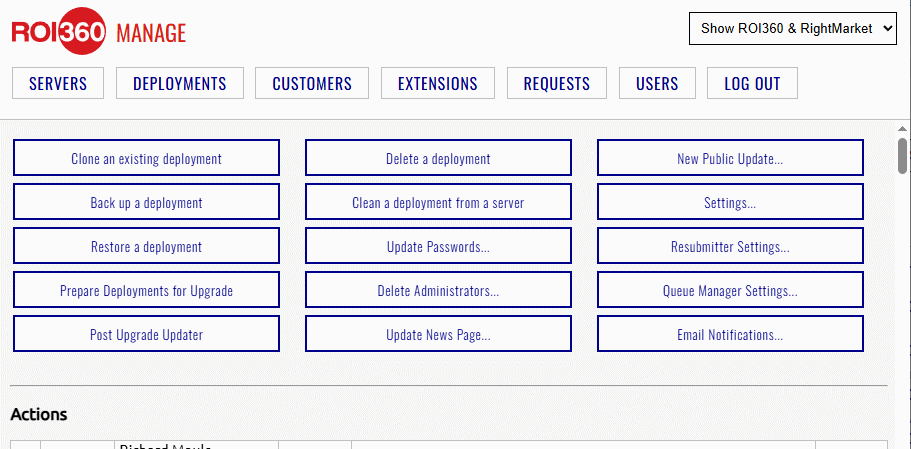
The Deployment > Wizard page
Find and click the Queue Manager Settings button to finally see the settings page:
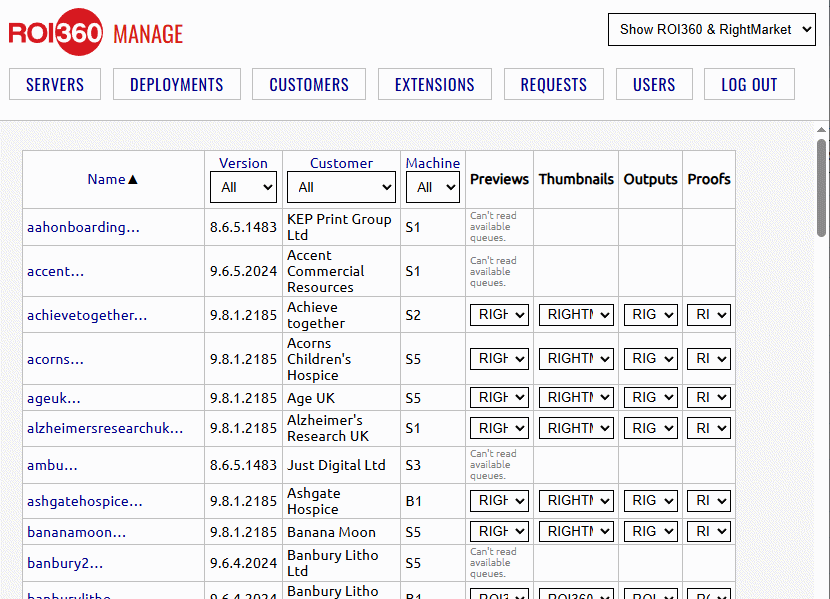
The sites and their settings
The drop-down boxes contain the available artwork rendering server queues to choose from:
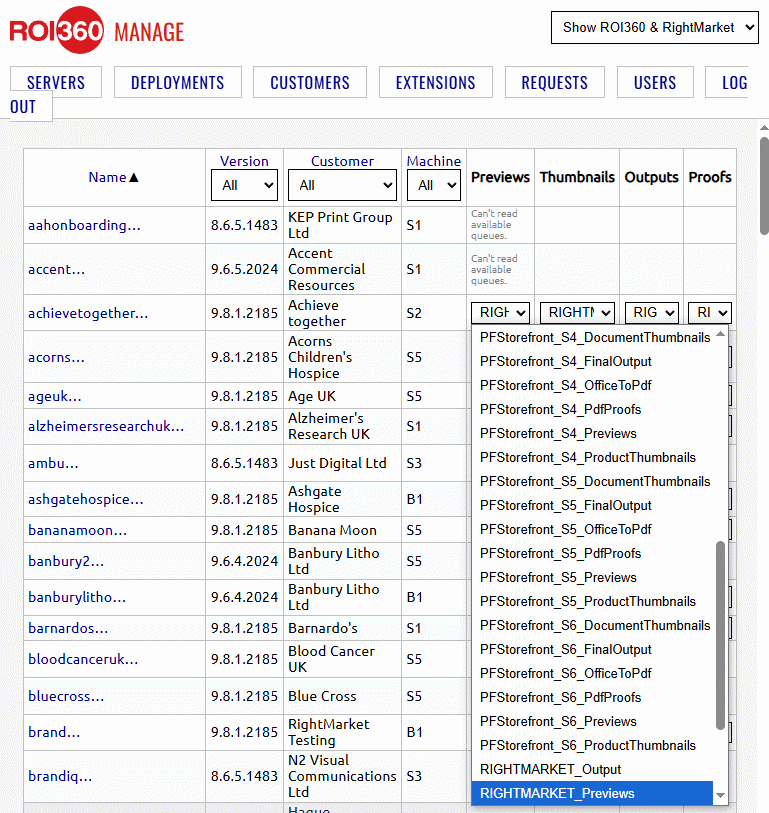
The queues to choose from
Selecting a queue from the drop-down box immediatelly changes the setting on the site which is confirmed by a message label. It appears just below the box and stays there until the table is re-drawn due to sorting or filtering. There is no Update button to click in order to save a batch of changes to the site settings.