Documentation Summary
Functionality
When a new document is created within the user site, the output QR code image will be generated by the extension at four stages:
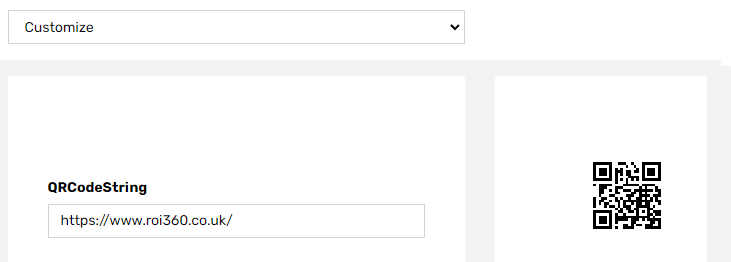
- While the document is in the document Customize step with the bitmap preview displayed. At this stage the QR code is generated whenever the bitmap preview refreshes, including when this is set to automatically refresh.
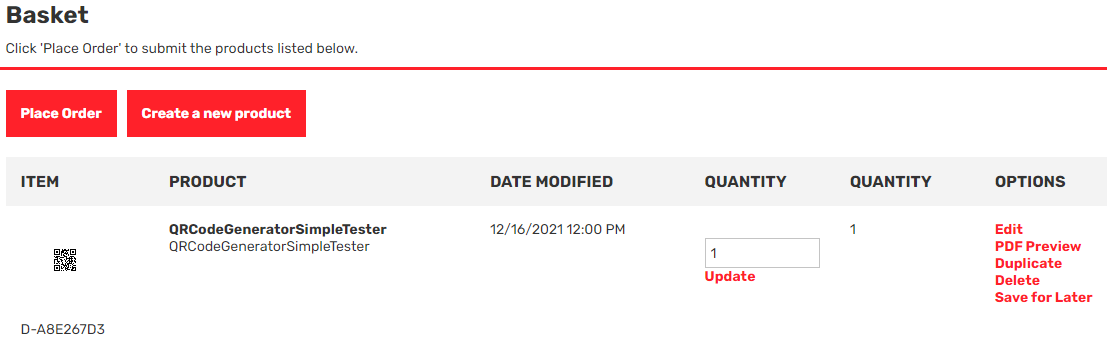
- When the document is saved to the shopping cart (PDF preview of the document containing the newly generated QR code can be viewed in shopping cart).
- When the ‘Get It Now’ button is clicked (this applies to Storefront versions 9.3 and higher).
- When the document is ready to be rendered (this is useful for documents with approvals).
At that point, the extension logic reads the text value from either the QRCodeString form filling field or the QRCodeString column in the provided CSV file. It then uses this value to generate the QR code and stores the QR code image in user assets folder. The image generated is not visible in the user’s image library.