 Documentation Summary
Functionality
User Site
On the user site the AI Content Writer is enabled by clicking on the pulsating icon in the text tab of the design toolbar.
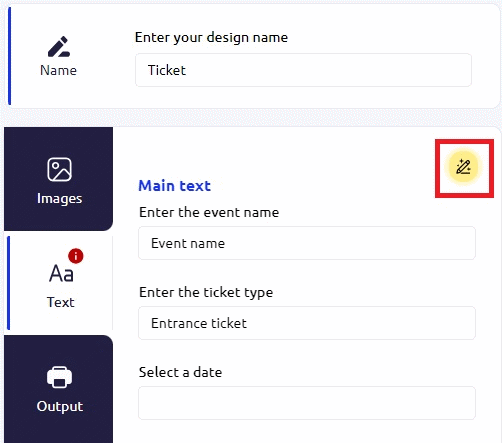
Ai Content writer open button
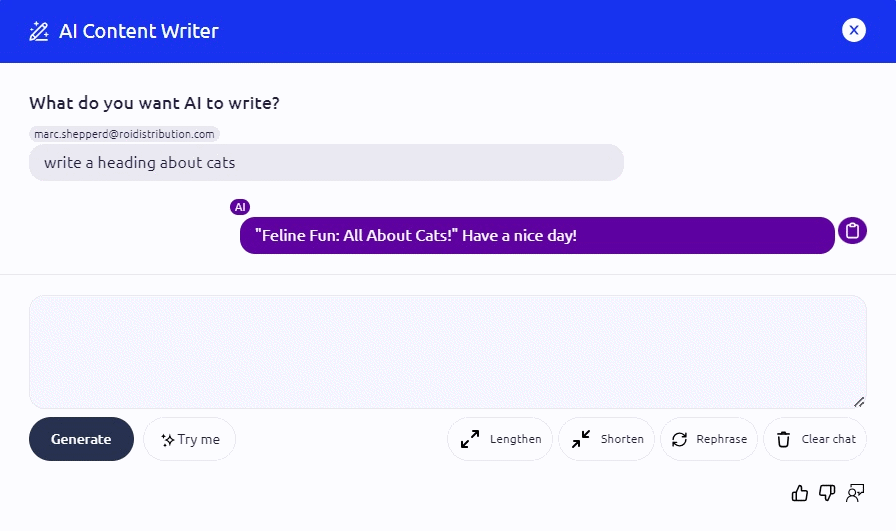
Ai Content Writer Modal
By typing in a request and clicking ‘Generate’ a chat will form above the dialogue box with an intelligent response to the request.
The ‘Try Me’ button will send an automated request which will trigger a response.
The ‘Lengthen’ button will trigger a more succinct response to the request.
The ‘Shorten’ button will have the inverse effect of the ‘Lengthen’ button.
‘Rephrase’ button will prompt the content writer to rephrase it’s previous response from the saved conversation history.
‘Clear chat’ will empty the current conversation history and in the user interface.