 Documentation Summary
Setting Up
To set up the integration, select the Social Media Integration on the Extensions page of the administrator site.  The integration has 3 settings.
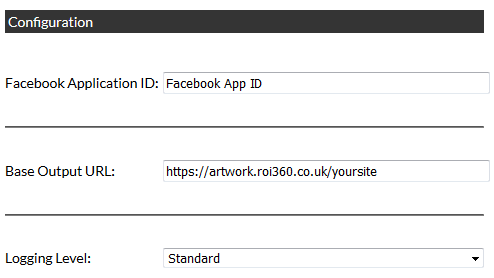
Facebook Application ID
A Facebook Developer Account is required to use the Facebook integration. The Facebook App ID (provided by Facebook) links the deployment with Facebook. More details can be found in this section.
Base Output URL
All images shared on social media are referenced from an HTML file created by the extension. This HTML file is stored in a “Share” subfolder of the final output. This folder needs to be web-accessible for social media sites to find these shared images.
This field should contain a fully qualified URL to the root of the final output folder, it must begin with “https://”.
Users will see the domain in the URL on their social media posts: 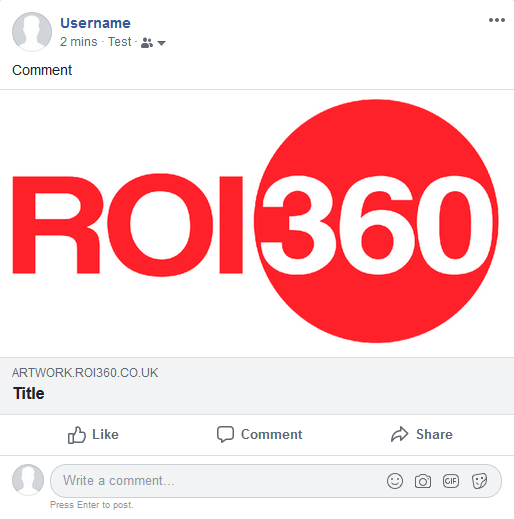 Facebook
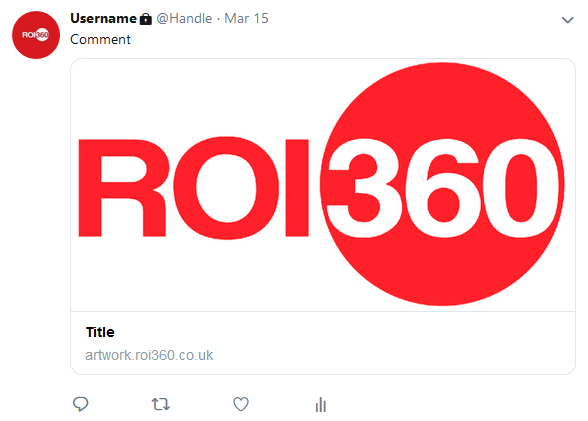 Twitter
Logging Level
This setting by default logs each time a users clicks share or download, however this can be increased to provide more granular detail of the integration’s processes.
Products Setup
To enable users to download outputs for sharing or share outputs with Facebook or Twitter, the relevant product must be set to offer download at every stage.
Installation
The integration is comprised of a single file which must be installed in the following location relative to the deployment root:
WebPages\bin\Extensions\SocialMediaIntegrationExtension.dll