Documentation Summary
Functionality
User Site
Redirection
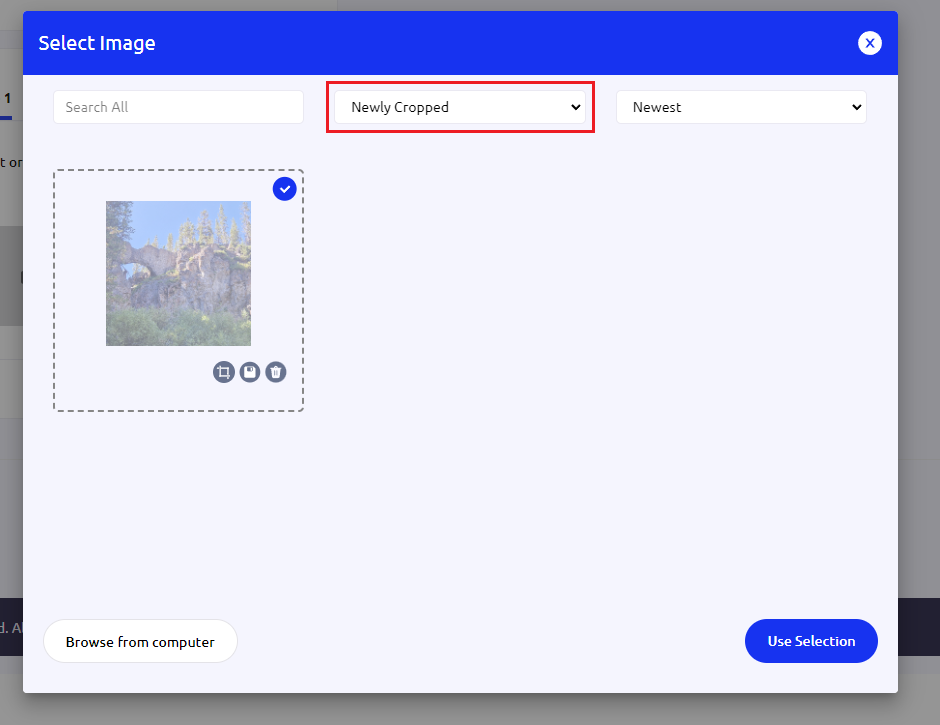
The RightMarket Image Library extension ensures that the image cropping popup box redirects the view to the “Newly Cropped” area after any image is cropped. This stops crops from seeming to “disappear” when cropping global library images, and makes new crops in general much easier to find.
Auto select after cropping
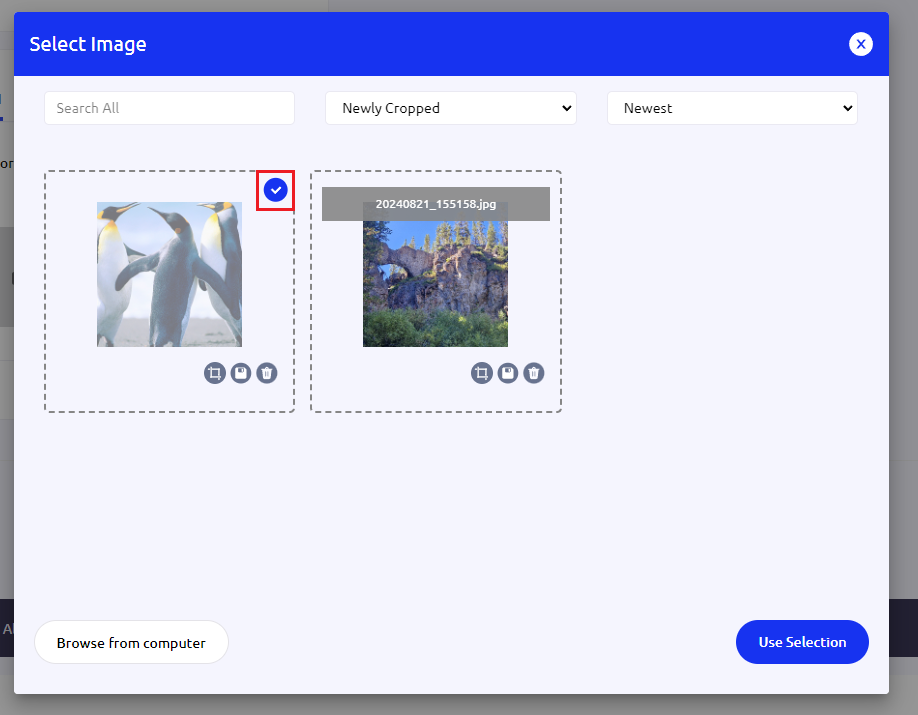
With multiple cropped images in one session the extension highlights the most recent crop by auto-selecting it in the view. Without this, users may not realise that a crop is not selected and may wonder why they cannot use the image they just cropped.
Admin Site
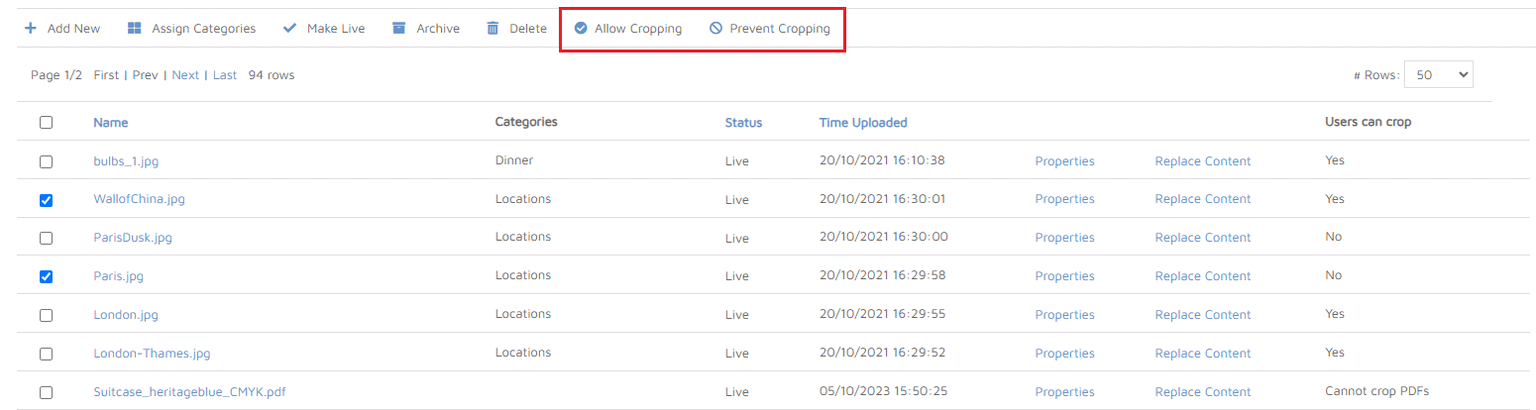
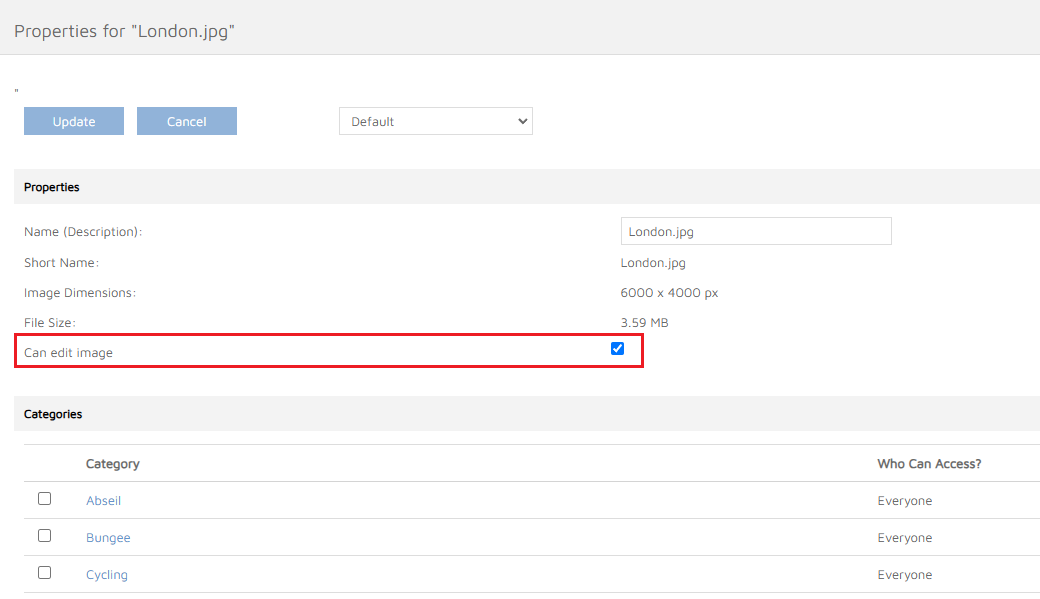
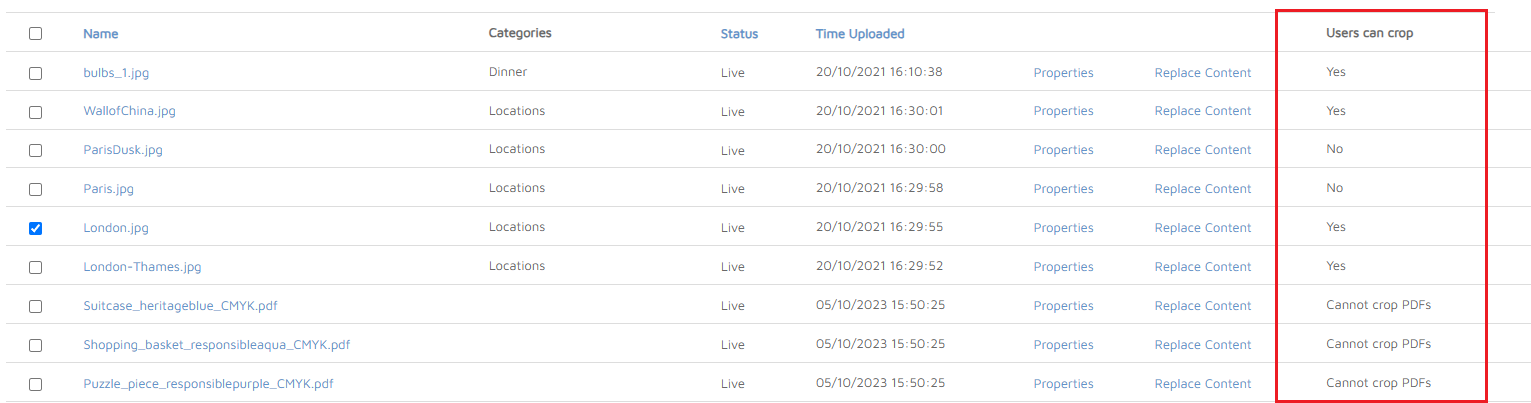
RightMarket Image Library extension modifies Global Library page by adding extra column to the grid of images and set of two buttons for allowing and preventing the cropping for the selected images, providing the same functionality as “Can edit image” checkbox on image properties page.
Image property page
Extra Column
The added “User can crop” column shows current editing settings for the images.
Buttons
When there’re any images selected, the buttons are enabled; when pressed, a batch operation for all selected images is performed by setting their “Can edit image” option.