 Documentation Summary
Setting Up
Installation
Copy the FormFillOptionsDisplayExtension.dll file to the webpages\bin\extensions folder of the deployment required. Note: This will cause any currently running sessions to be reset.
Extension Configuration
- In Storefront admin click on ‘Extensions’ and select the Copy Form Filling To/From Print Options extension.

- Select ‘Activate’ to turn the extension on.
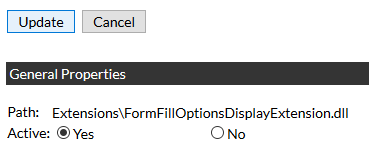
- Click Update.\
This extension copies values from form filling options to printing options and vice versa. Two sets of options with exactly the same names are required: one under ‘Printing Options’ and one under ‘Form Filling’ for each affected product in Storefront admin.
Product Configuration
To allow and specify the direction of the copy of the fields, please click the Products in the left-hand menu. Then select a Product. On the configuration page, scroll down and click the Metadata link. Look for a drop-down box as shown on the picture:
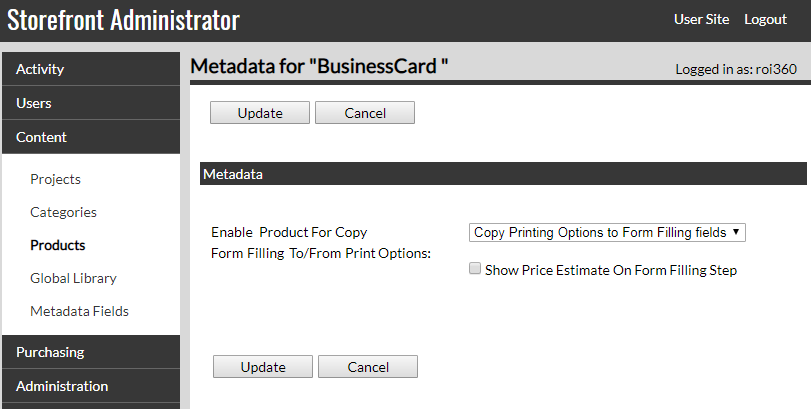
If you specify the direction Printing Options to Form Filling, a checkbox appears that allows you to display the price estimate on the Form Filling step page (for Storefront 8.x versions only).