 Documentation Summary
Setting Up
Installation
The extension should be installed via the Manage Website interface, using the Extensions > Install/Update function. Alternatively, you can manually deploy the files by copying them into the appropriate site folders while the site is stopped. Once the files are in place, restart the site using IIS.
Files
WebPages/bin/Extensions/CopilotReporting.dll
WebPages/AdminCopilotReporting.aspx
WebPages/ROI360/CopilotReporting/Interface.ashx
Extension Configuration
The Extension Configuration page looks like this:
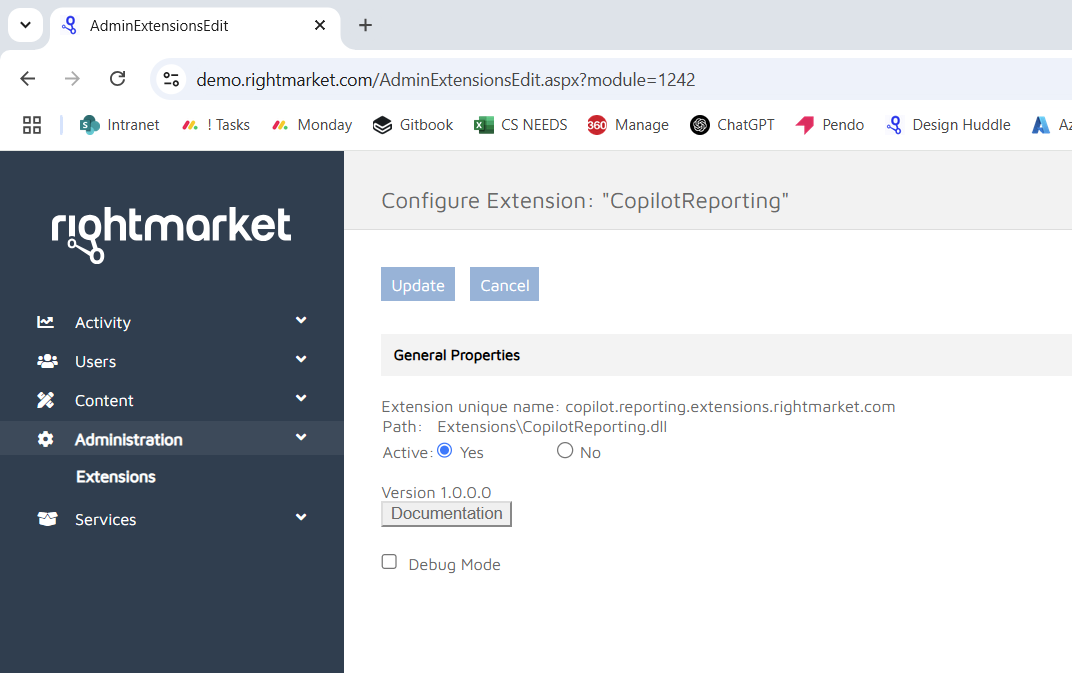
The Extension Configuration page